2026-10-25
- Dungeon Crawl Stone Soup 日本語版を ja5 に更新
- バグ修正
Hengband — voxel 3D renderer
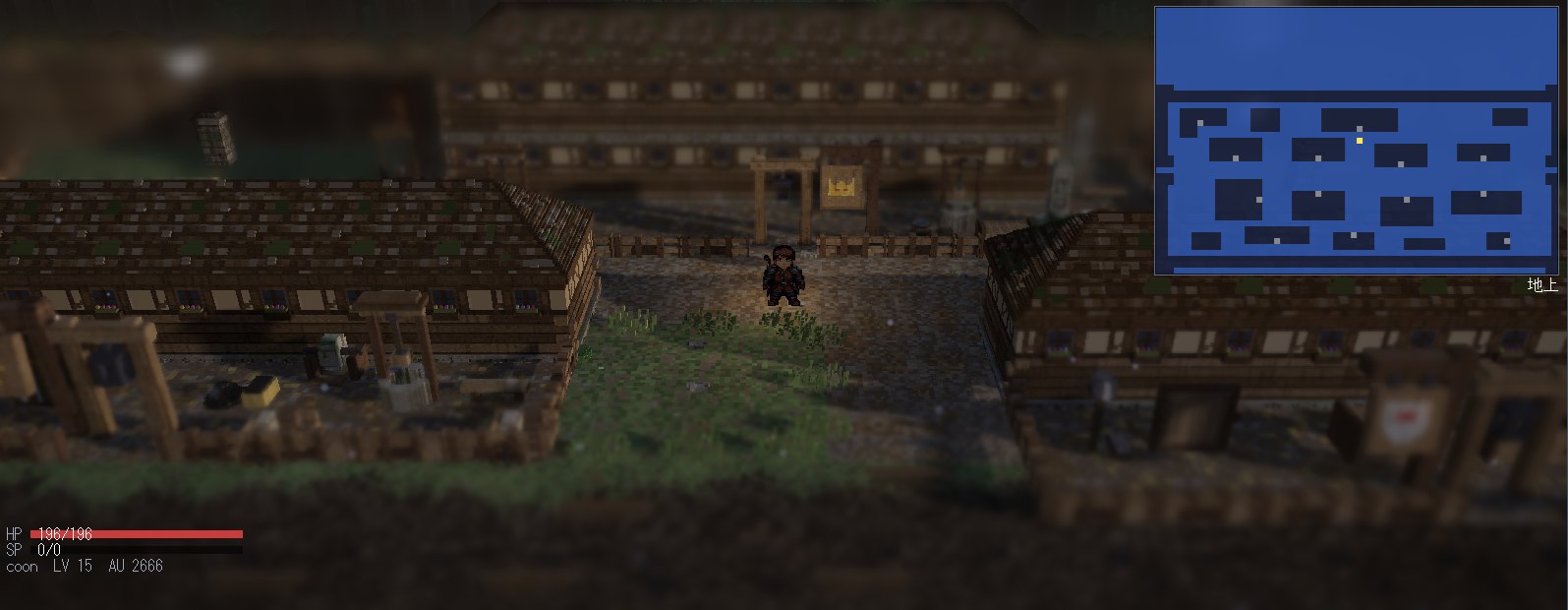
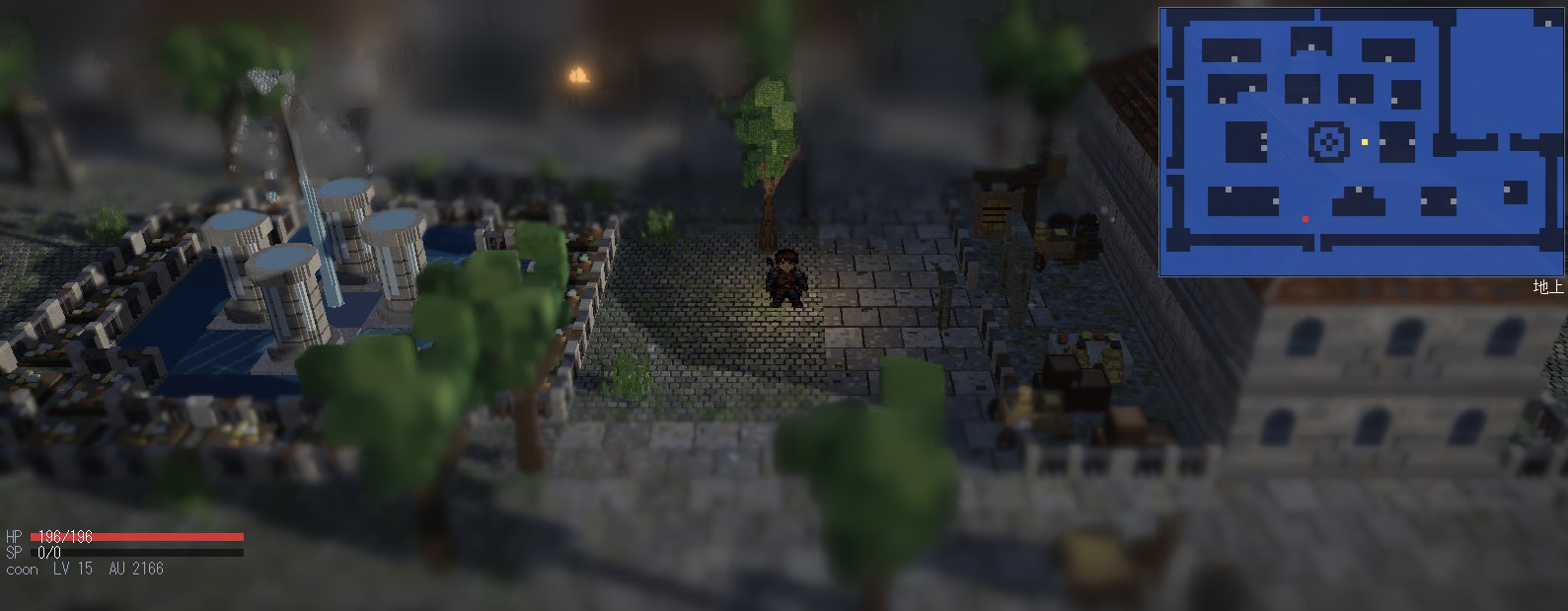
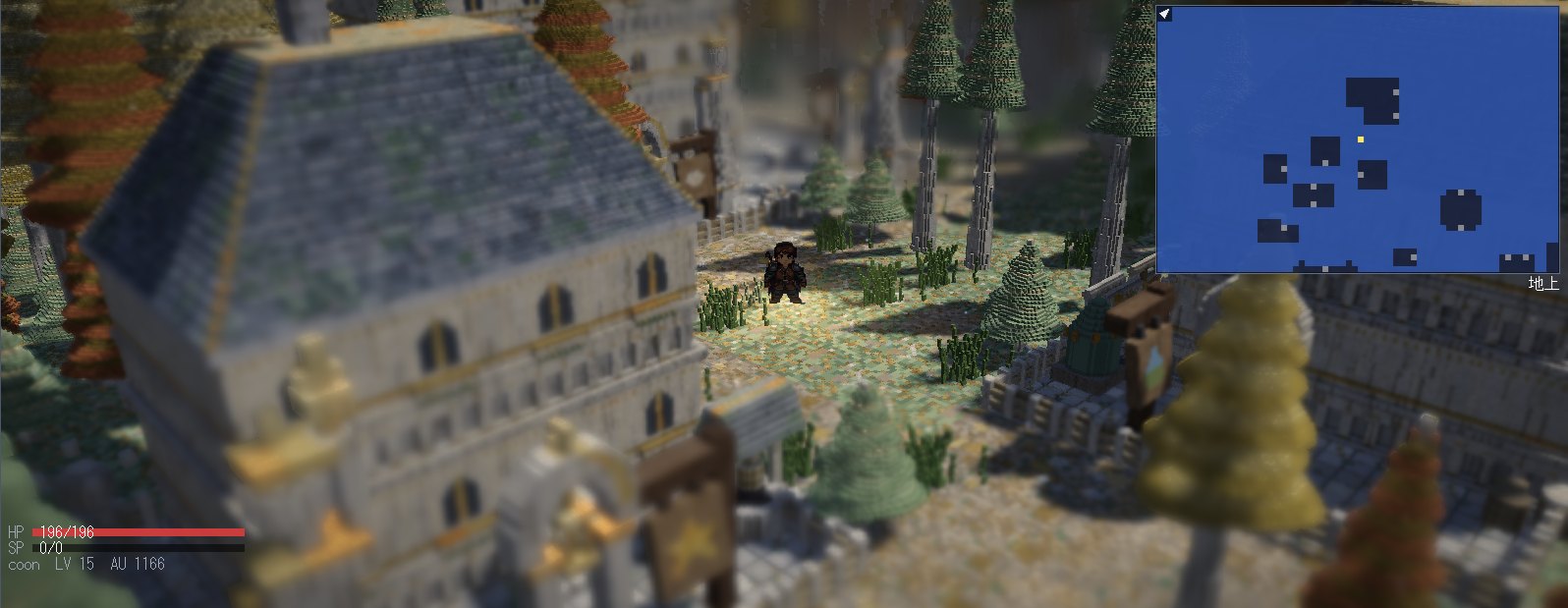
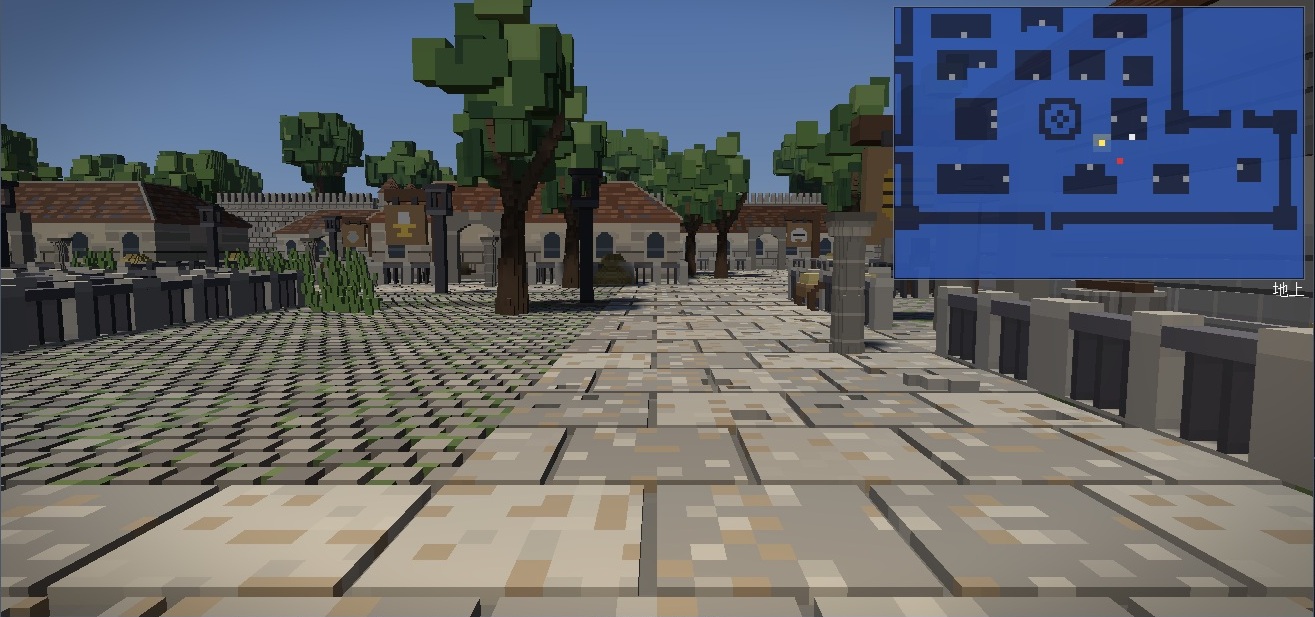
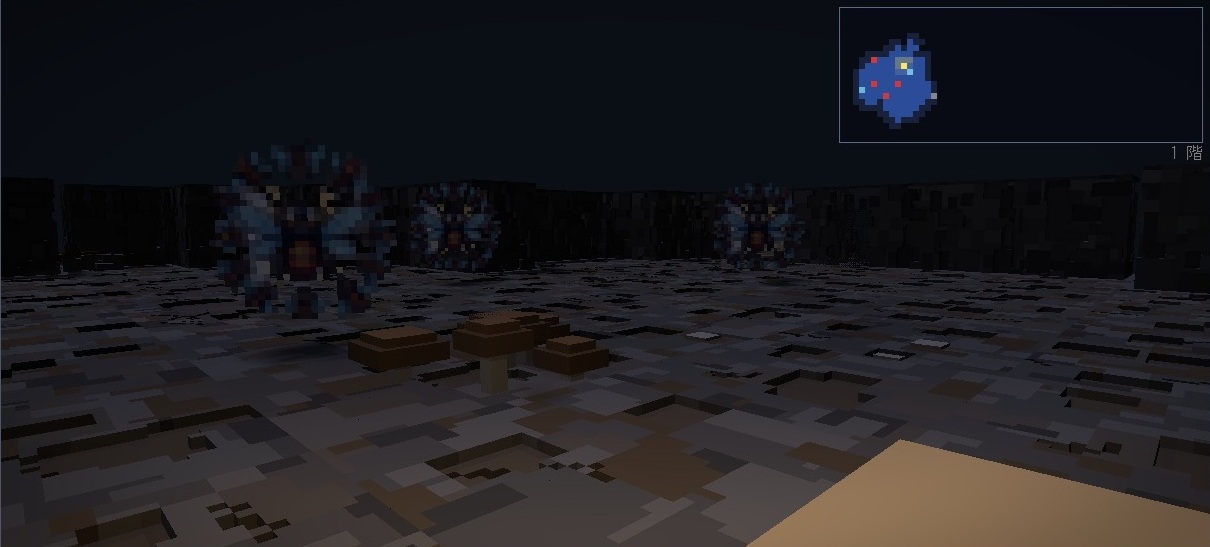
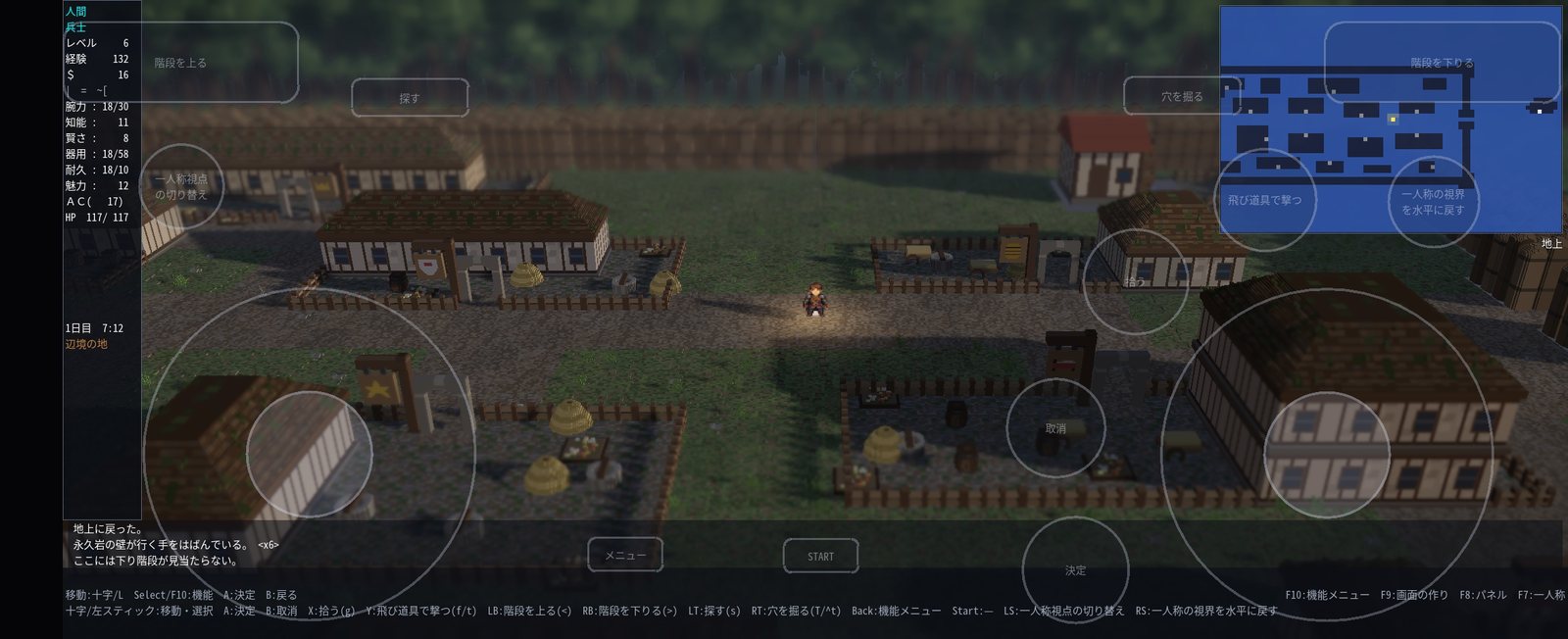
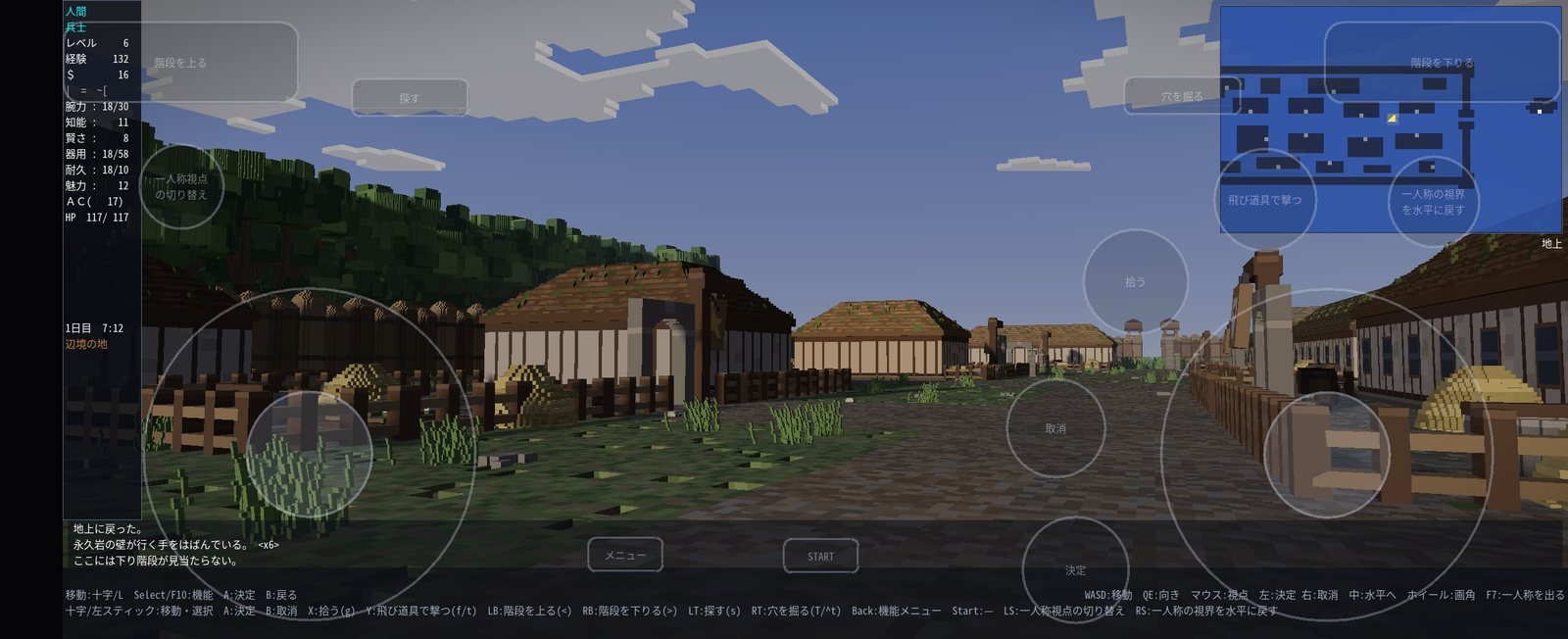
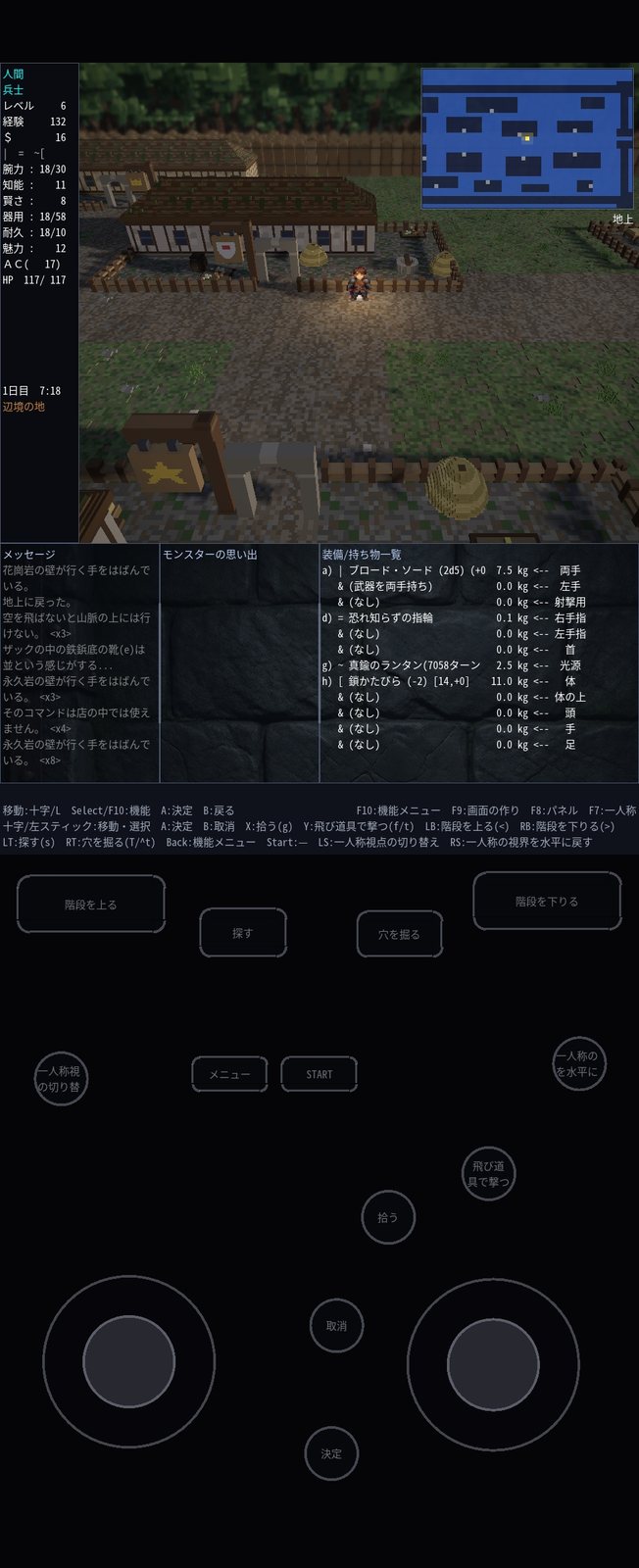
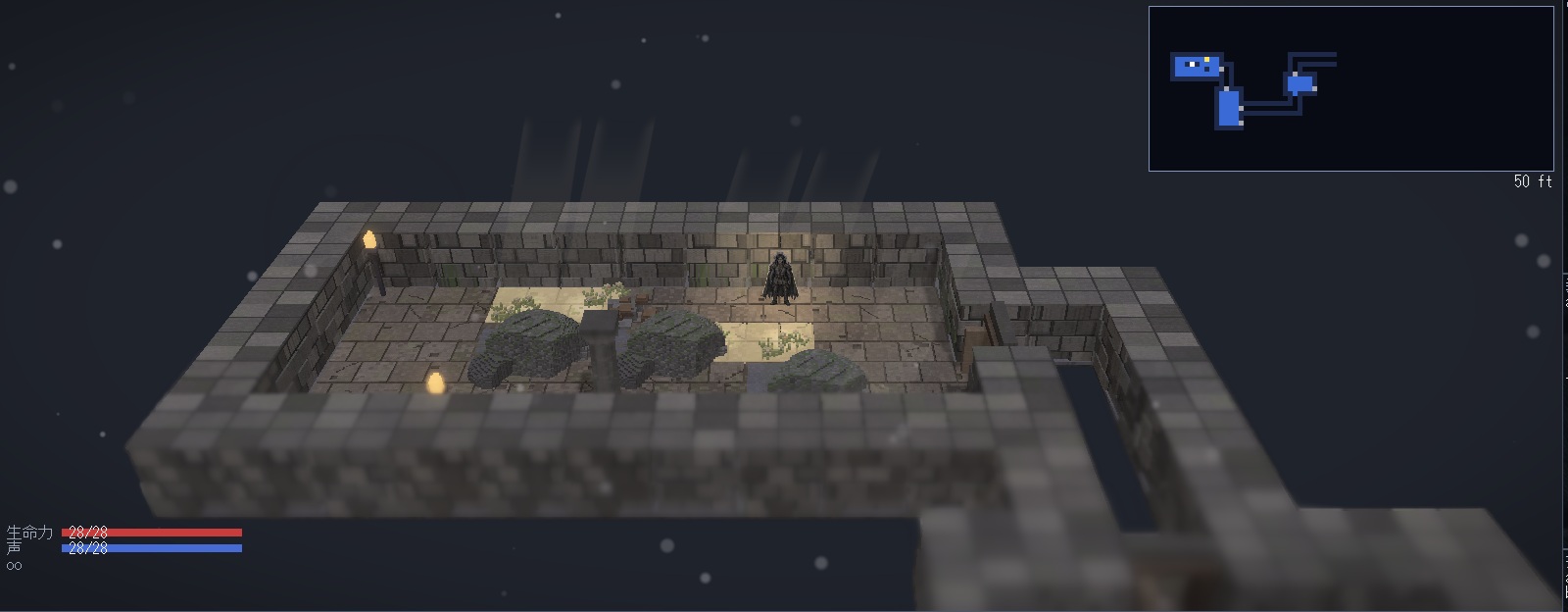
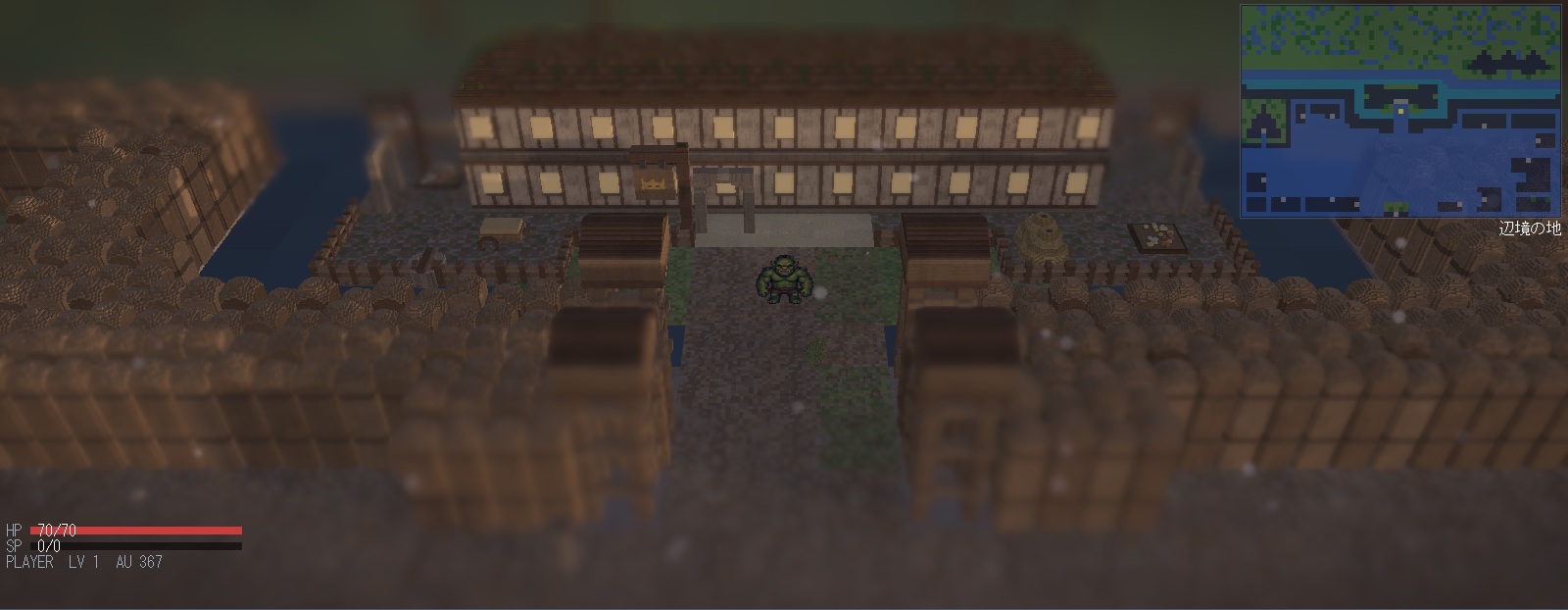
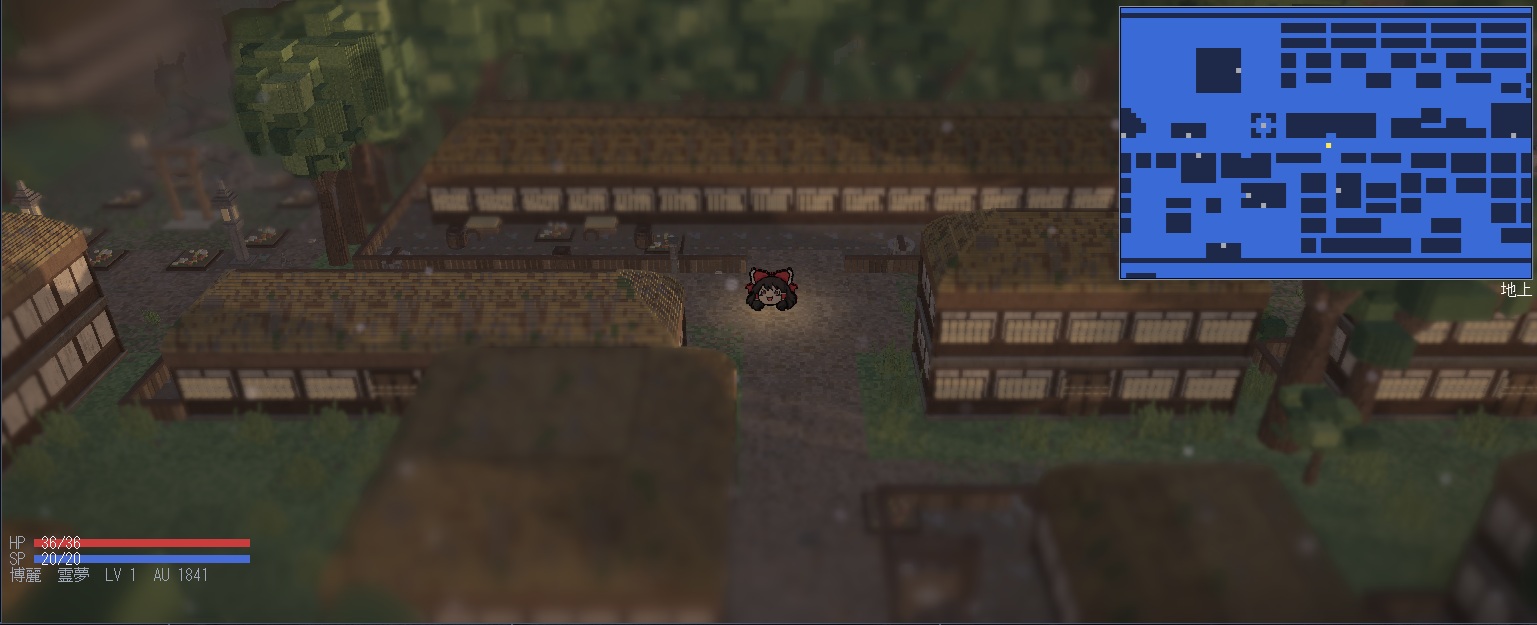
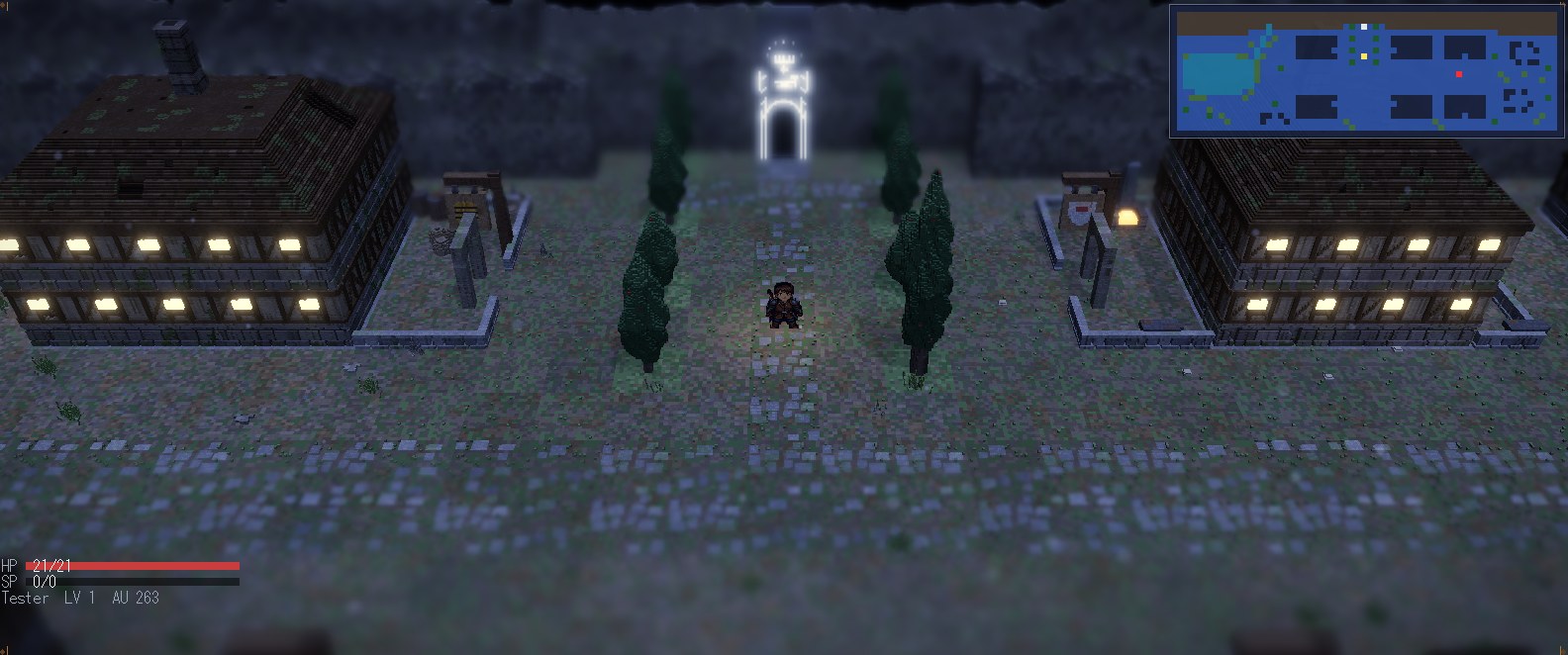
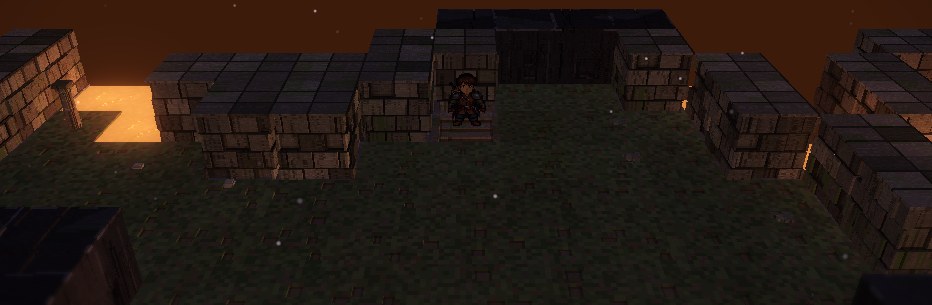
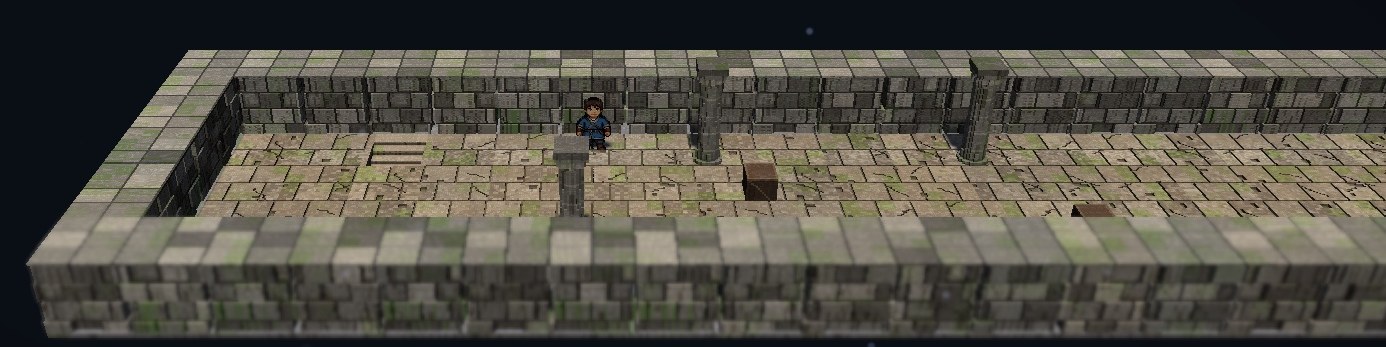
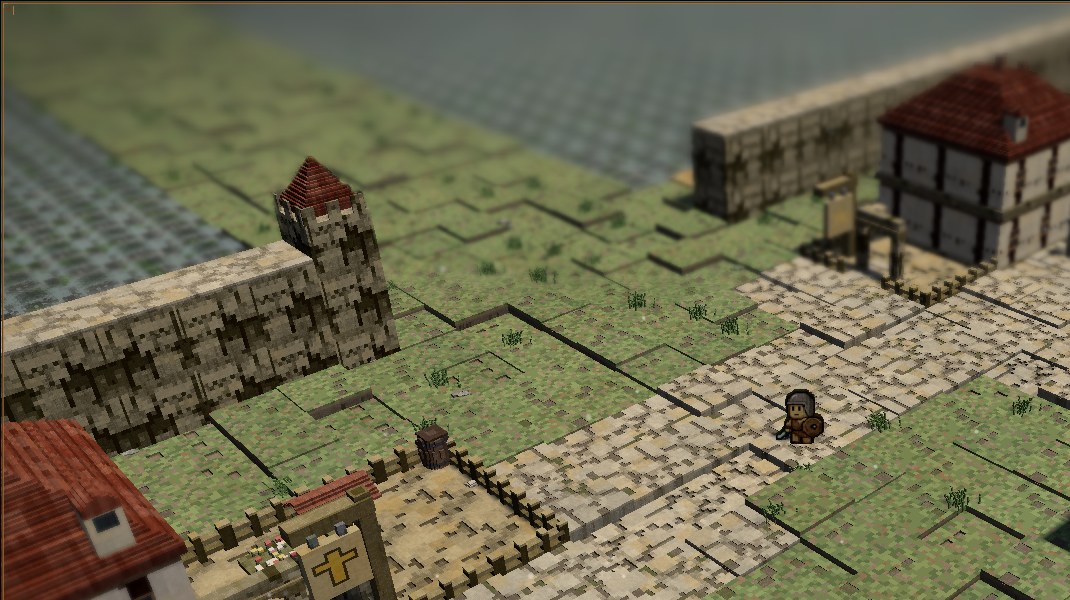
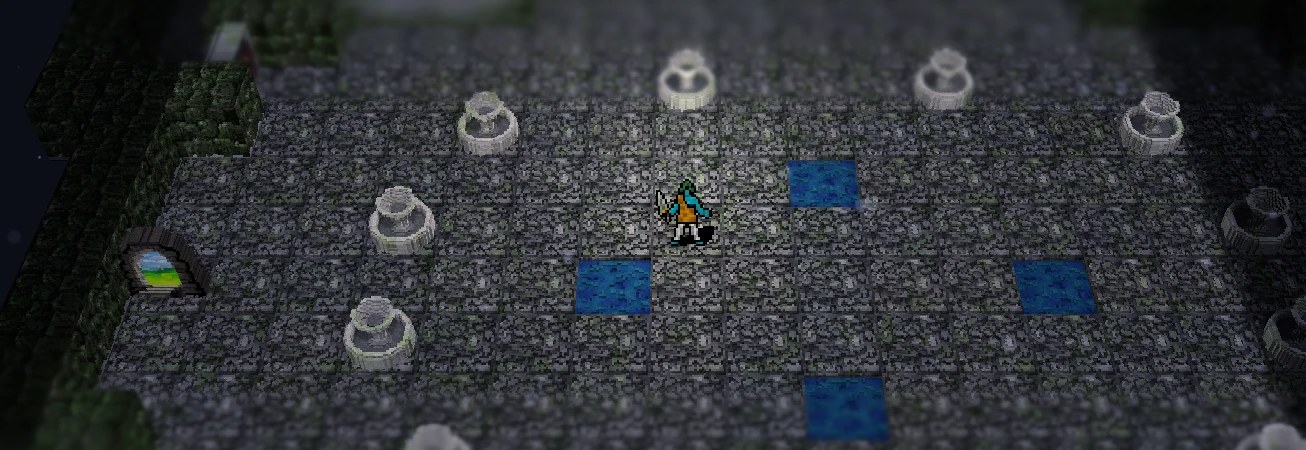
ローグライク『変愚蛮怒』をボクセルの立体で描く非公式のフロントエンドです。 地形はボクセル、キャラクタはビルボード。ゲーム本体はそのままです。
Hengband — voxel 3D renderer
An unofficial front end that draws the roguelike Hengband in voxel 3D. Voxel terrain, billboard characters. The game itself is untouched.
実機のキャプチャ
お知らせ
2026-10-25
2026-10-23
2026-10-21
2026-10-19
2026-10-15
2026-10-07
2026-10-06
HengbandHD-win.zip などに変わりました。設定とセーブはそのまま引き継げます)2026-09-30
2026-09-20
2026-09-14
2026-09-11
2026-09-06
2026-09-02
2026-09-01
2026-08-18
2026-08-16
2026-08-15
2026-08-14
バグ修正
機能追加
2026-08-13
2026-08-12
2026-08-11
Windows / Linux / Android
| 対応環境 | Windows 10 / 11(OpenGL 4.6 対応が必要です)/ Android 13 以降(arm64)/ Linux x86_64(glibc 2.43 以降。Ubuntu 26.04 で確認) |
|---|---|
| Windows | ZIP を任意のフォルダへ展開し、その中の HengbandHd2d.exe を実行します。必ずそのフォルダを作業ディレクトリにして起動してください(assets/ と lib/ を相対で読みます)。 |
| Android | APK を端末に入れて開きます。ストアの外からの配布なので、提供元不明のアプリのインストールを許可する必要があります。 |
| Linux | tar.gz を展開し、その中の HengbandHd2d.sh を実行します。Ubuntu 24.04 以前ではそのまま起動できません。 |
| VR モード | Virtual Desktop から実行します。 |
| ゲームパッド | XInput 対応。Xbox コントローラなどを繋ぐと十字キーで移動、A で決定、B で戻る、Select で機能メニューが開きます。 |
| 実行中のキー | F10 = 機能メニュー / F9 = 画面の作り / F8 = サブパネル / F7 = 一人称の出入り / Alt + Enter = 全画面と窓の切り替え |
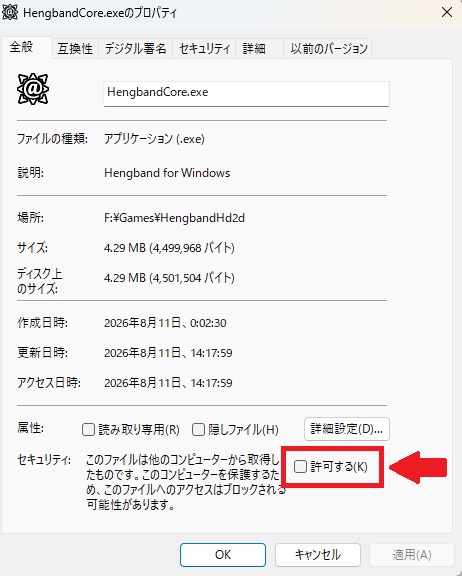
ダウンロードした ZIP を展開しただけでは、Windows が「他のコンピューターから取得したファイル」と見なして実行を止めることがあります。
展開する前に、ダウンロードした HengbandHD-win.zip を右クリックして「プロパティ」を開き、全般タブのいちばん下にあるセキュリティの「許可する」にチェックを入れて OK を押してから展開してください。中のファイル(HengbandHd2d.exe と、cores フォルダの中のコア 12 本)がまとめて解除されます。
すでに展開してしまった場合は、上の手順のあとで展開し直すか、展開したフォルダで PowerShell を開いて Get-ChildItem -Recurse | Unblock-File を実行してください。
Captured in game
News
2026-10-25
2026-10-23
2026-10-21
2026-10-19
2026-10-15
2026-10-07
2026-10-06
HengbandHD-win.zip and so on; your settings and saves carry over)2026-09-30
2026-09-20
2026-09-11
2026-09-06
2026-09-02
2026-09-01
2026-08-18
2026-08-16
2026-08-15
2026-08-14
Bug fixes
New
2026-08-13
2026-08-12
2026-08-11
Windows / Linux / Android
| Requirements | Windows 10 / 11 (OpenGL 4.6 required) / Android 13 or later (arm64) / Linux x86_64 (glibc 2.43 or later; tested on Ubuntu 26.04) |
|---|---|
| Windows | Unzip it anywhere and run HengbandHd2d.exe from inside that folder. Start it with that folder as the working directory — assets/ and lib/ are read relative to it. |
| Android | Put the APK on your device and open it. It is distributed outside the store, so you need to allow installing apps from unknown sources. |
| Linux | Extract the tar.gz and run HengbandHd2d.sh inside it. It does not start as is on Ubuntu 24.04 or earlier. |
| VR mode | Run it from Virtual Desktop. |
| Gamepad | XInput. Plug in an Xbox controller and the D-pad moves, A confirms, B goes back, and Select opens the function menu. |
| Keys | F10 = function menu / F9 = layout / F8 = sub panels / F7 = enter and leave first person / Alt + Enter = fullscreen or window |
Unzipping the download is not always enough. Windows may decide the files came from another computer and refuse to run them.
Before extracting, right-click the downloaded HengbandHD-win.zip, open Properties, tick Unblock at the bottom of the General tab, press OK, and then extract it. Everything inside (HengbandHd2d.exe and the twelve cores in the cores folder) is unblocked at once.
If you have already extracted it, either do the above and extract again, or open PowerShell in the extracted folder and run Get-ChildItem -Recurse | Unblock-File.